
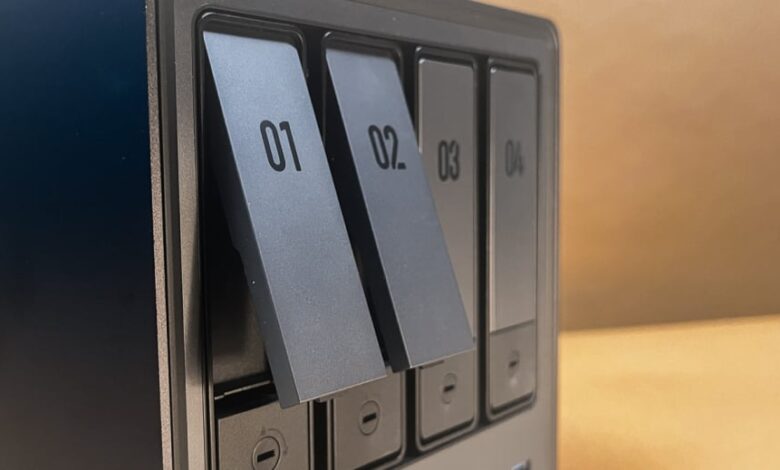
If you want a clear answer without decoding a spec sheet, this guide will help you choose the right NAS for simplicity, speed, budget, or future growth.
TL;DR: Which 2026 NAS should you actually buy?
- The easiest pick is the Synology BeeStation because it includes a pre-installed 4TB drive and focuses on simple personal-cloud storage rather than full NAS complexity.
- The best traditional starter choice is still a two-bay NAS, and the QNAP TS-233 stands out for easy setup, solid performance, and a useful app library.
- If you want better networking on a tighter budget, the Asustor Drivestor 2 Gen2 AS1202T adds 2.5GbE and three USB 3.2 ports.
- If you care about speed, the Asustor Lockerstor 2 Gen2+ AS6702T v2 offers dual 5GbE and four M.2 slots, while the Synology DS1525 is the better “buy once, grow later” option with five bays and expansion support.
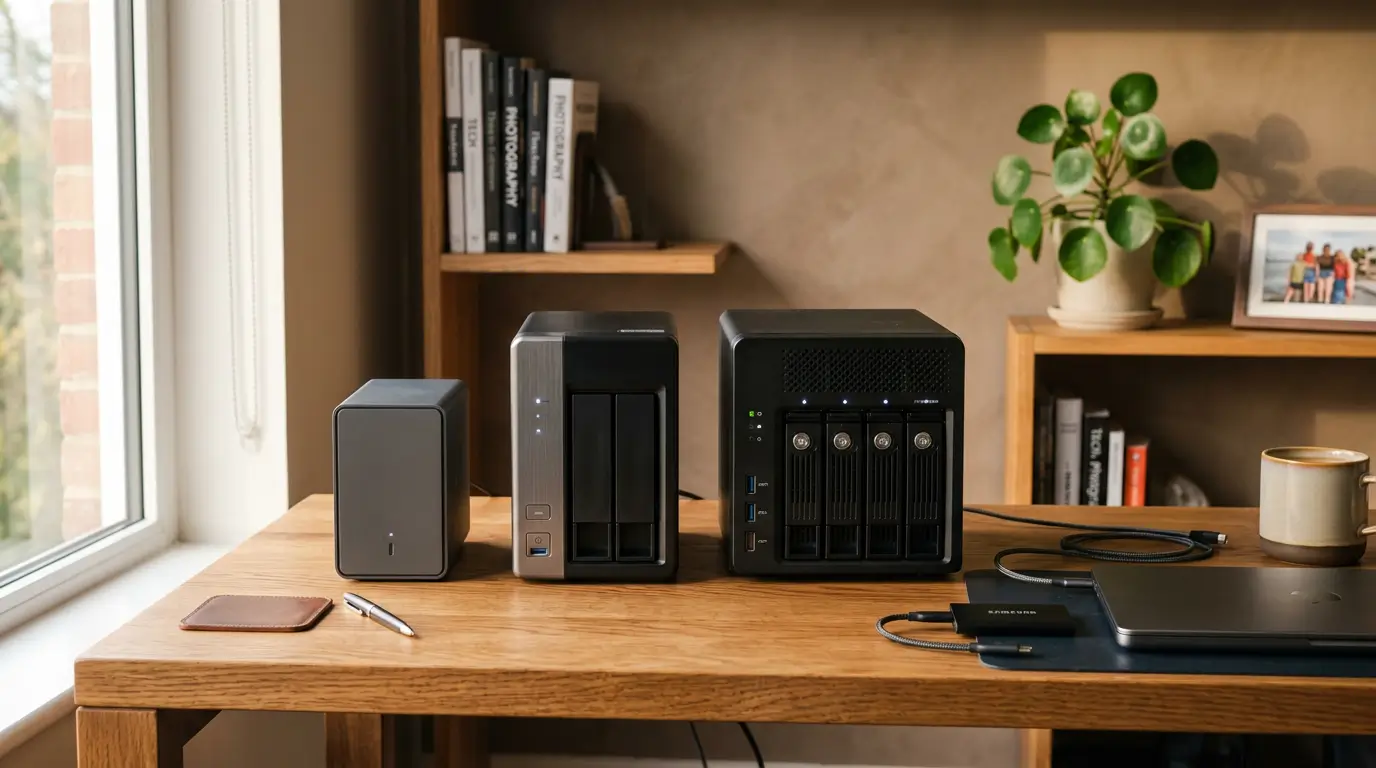
Top 2026 NAS Devices Tested can sound like a spec-heavy roundup, but this guide is really about choosing the right NAS for your home without getting lost in jargon. A NAS, or network-attached storage, is basically a file hub that lives on your home network so your phones, laptops, and tablets can all back up to one place.
Here is the straight answer: the best NAS in 2026 depends less on brand and more on how much complexity you are willing to live with. If you want the lowest-friction experience, buy the simplest box you will actually use; if you want room to grow, start with at least two drive bays and real RAID support.
Sound-bite answer: For most beginners, a two-bay NAS is the smartest starting point, but the BeeStation is the easiest “just make my private cloud work” option.
This latest roundup update added the Asustor Drivestor 2 Gen2 AS1202T as the budget pick, added the Zettlab D4 as the AI-augmented option, and swapped in the newer Asustor Lockerstor 2 Gen2+ AS6702T v2 for the older AS6702T. That matters because the 2026 list now does a better job separating simple storage from enthusiast-grade storage.
Affiliate note: HomeCloudHQ earns a small commission if you buy through our links, at no extra cost to you.
If you already know you want a safe beginner-friendly route, start with the Synology DS224+ bundle. If you want a stronger alternative with a more performance-leaning angle, check the QNAP TS-264.
What makes a NAS worth buying in 2026?
A good NAS should solve a real problem, not create a new hobby you did not ask for. That usually means one of four things: simpler backups, better photo storage, shared access across devices, or more control than a cloud subscription gives you.
The BeeStation leans hard into simplicity, while models like the QNAP TS-233 and Asustor AS6702T v2 lean toward flexibility and expansion. Think of it like choosing between an automatic coffee machine and a full espresso setup: both make coffee, but one asks much less of you.
📖 Jargon Box: RAID is a way for multiple drives to work together for redundancy, speed, or both. RAID 1 is like writing the same diary in two notebooks at once, so one survives if the other fails.
If you are buying your first NAS, the drive layout matters more than flashy software buzzwords. A single-drive model is easier, but a two-bay model is usually the better long-term choice because it gives you the option of RAID 1 protection.
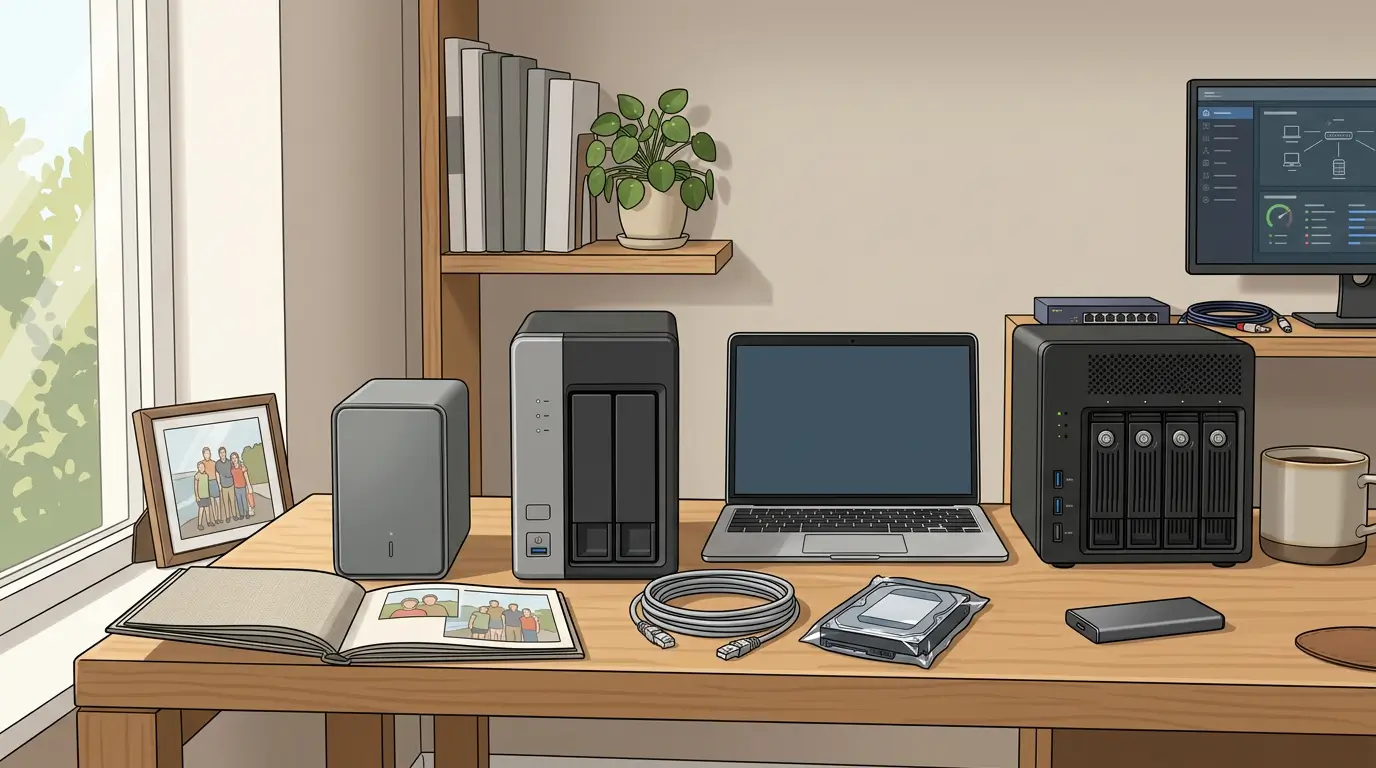
- Choose simplicity or flexibility.
If you want a private cloud that feels more like an appliance, the BeeStation is the cleanest answer because it includes storage out of the box and skips the usual drive-buying step.
- Pick the right number of bays.
One bay is easy, but two bays are the sweet spot for most homes. Four or five bays start to make sense when you know your storage needs will keep growing.
- Decide how much speed you actually need.
If you mostly back up photos and documents, regular gigabit networking is fine. If you move large video files or want faster transfers, newer models with 2.5GbE or 5GbE are worth noticing.
- Think about software, not just hardware.
A NAS is really a hardware box plus its operating system and apps. That is why the QNAP TS-233, Synology’s simpler options, and Asustor’s faster models feel so different in day-to-day use.
- Plan backup before disaster.
Even the best NAS is not the same thing as a complete backup strategy. HomeCloudHQ’s internal linking rules also recommend pointing readers to pillar and practical guides when storage planning or security comes up.
Want to go deeper?
Read our complete NAS buying guide if you are still deciding between a first-time family setup and a more advanced home server path.
Top 2026 NAS Devices Tested: quick comparison
| Model | Best for | What stands out | Main trade-off |
|---|---|---|---|
| Synology BeeStation | Simple private cloud | Pre-installed 4TB drive, no subscription needed, cloud sync support, face recognition | No RAID, no expansion, no app library |
| QNAP TS-233 | Most first-time two-bay buyers | Two hot-swappable bays, quad-core CPU, easy setup, good app selection | No multi-gig Ethernet and drives are not included |
| Asustor Drivestor 2 Gen2 AS1202T | Budget-conscious home users | 2.5GbE, three USB 3.2 ports, beginner-friendly ADM software, large app catalog | No HDMI and no bundled drives |
| Asustor Lockerstor 2 Gen2+ AS6702T v2 | Speed-focused power users | Dual 5GbE, four M.2 slots, SSD caching, link aggregation, 4K transcoding | More complexity and storage sold separately |
| Asustor Lockerstor 4 Gen 3 AS6804T | Heavy home office or small business use | AMD Ryzen CPU, four multi-gig LAN ports, USB4, four M.2 slots | Premium positioning |
| Synology DiskStation DS1525 | Buyers who want future growth | Five bays, two M.2 cache slots, expansion support for 10 more drives | No HDMI and tighter SSD ecosystem rules |
| LatticeWork Amber X | Portable SSD-based private cloud | Compact design, HDMI, wired and wireless connectivity, AI photo organization | Small built-in capacity and limited app library |
| TerraMaster F8 SSD Plus | Quiet all-flash desktop storage | Eight M.2 NVMe slots, 10GbE, HDMI, compact SSD-only design | More niche than a typical home backup box |
| Zettlab D4 AI NAS | Early AI adopters | AI search, AI photo management, Knowledge QA, tool-free drive sleds, up to 100TB with supported drive mix | Thin app catalog, one multi-gig LAN port, one M.2 slot |
Best NAS picks by real-world need
Best for people who want zero drama: Synology BeeStation
The BeeStation is not trying to be everything. It is trying to be easy. If your goal is “stop paying for cloud storage and give me one place for photos and files,” this is the least intimidating path in the roundup.
The catch is simple too: you give up RAID, app flexibility, and expansion. For some buyers, that is a deal-breaker. For others, that is exactly why the product works.
Best first real NAS: QNAP TS-233
The TS-233 is the safest recommendation for people who want a normal two-bay NAS without getting buried in complexity. It offers easy installation, respectable file transfer performance, and a healthy app ecosystem that can turn the box into a media, backup, or surveillance server.
Does it have the fastest networking on the list? No. But for many first-time users, good enough and easy to manage beats “technically faster” every single time.
Best budget NAS: Asustor Drivestor 2 Gen2 AS1202T
This model is interesting because it does not feel stripped down in the ways that matter most. It adds 2.5GbE, three 5Gbps USB ports, and a large software catalog while staying beginner-friendly thanks to its tool-free enclosure and ADM operating system.
If your question is “Can I get into real NAS ownership without overspending?” this is the answer that makes the most sense in the current roundup.
Best two-bay NAS for speed: Asustor Lockerstor 2 Gen2+ AS6702T v2
The AS6702T v2 is for people who already know they care about speed. Dual 5GbE networking and four M.2 slots are not normal entry-level features, and they make this model much more appealing for creators, large media libraries, and heavy multitasking.
📖 Jargon Box: SSD cache is a small pool of fast flash storage that helps accelerate frequently used data. Think of it like keeping your daily-use tools on the workbench instead of in the garage.
If you are curious whether SSD cache is worth paying for, read our SSD cache NAS guide before buying extra flash.
Best for scaling up: Synology DS1525 and the bigger boxes
The Synology DS1525 is the more growth-minded pick because it gives you five bays, two built-in M.2 cache slots, and support for expansion units that can add 10 more drives. That is the kind of hardware you buy when you already know your data will not stop growing.
The Asustor Lockerstor 4 Gen 3 AS6804T is the performance-first alternative with four multi-gig LAN ports, USB4, four M.2 slots, and a powerful AMD Ryzen CPU. In plain English, one leans into scale and ecosystem comfort, while the other leans into speed and ports.
Most interesting specialty picks
The LatticeWork Amber X is the “I want something tiny and easy” SSD-based option. The TerraMaster F8 SSD Plus is the all-flash desktop choice for people who care about compact, quiet, fast storage.
The Zettlab D4 stands apart because its AI features are more than surface-level marketing. The roundup specifically highlights AI Search, Knowledge QA, AI-powered photo management, Auto Transcription, and AI Clip features tied to your stored files.
⚠️ Security Note: A faster or smarter NAS is still not a backup by itself. If you plan to enable remote access, review this NAS ransomware protection checklist before exposing anything to the internet.
Common mistakes after reading Top 2026 NAS Devices Tested
The biggest mistake first-time buyers make is assuming the fastest NAS is automatically the right one. In real life, the best NAS is usually the one you will actually set up, understand, and keep using for backups.
Another common mistake is buying too small or too advanced. A single-drive box may look simple, but a two-bay NAS often makes more sense if you want redundancy, while a high-end four-bay model can be overkill if your real goal is just family photo backup.
Software matters just as much as hardware. A NAS is not only a metal box with drive slots; the operating system, app store, backup tools, and support experience will shape whether the device feels helpful or frustrating a few months later.
Finally, do not confuse RAID with backup. RAID can reduce the pain of a drive failure, but it does not protect you from accidental deletion, ransomware, or a bad remote-access setup.
Recommended HomeCloudHQ buying paths
The exact roundup models are not all mapped to HomeCloudHQ Pretty Links, so the cleanest buying paths are the closest current affiliate matches. Pretty Links are the required standard for affiliate usage in HomeCloudHQ articles.
- Best beginner bundle: Synology DS224+ bundle.
- Best alternative starter box: QNAP TS-264.
- Best step-up Synology option: Synology DS923+.
- Best four-bay performance alternative: QNAP TS-464.
- Best scalable family or prosumer choice: Synology DS1522+.
- Safe-default NAS drives: WD Red Plus 4TB.
More planning help:
Use our RAID calculator and storage planning guide if you are unsure how much usable space you really get with mirrored or multi-drive setups.
Get Your Free NAS Recommendation
Tell us whether you care more about easy setup, quiet storage, or future expansion, and we will help you narrow the field.
FAQ
Is a NAS better than an external hard drive?
A NAS is better when you want shared access, backups from multiple devices, and room to grow. An external drive is cheaper and simpler, but it behaves more like a single drawer than a shared home storage system.
Is the Synology BeeStation a real NAS?
Yes, but it is a simplified one. The roundup treats it as a personal cloud device that is easy to use and includes preinstalled storage, while also noting that it lacks RAID, expansion, and a full app library.
What is the best first NAS for most people?
If you want a true two-bay starter NAS, the QNAP TS-233 is the most balanced pick in the roundup because it combines easy setup, good app support, and solid performance. If you want the least technical option possible, the BeeStation is easier but more limited.
Do I really need RAID at home?
You do not always need it, but many home users should want it. RAID gives you a safety net against a single drive failure, which is why two-bay models are such a strong middle ground for beginners.
What does 2.5GbE or 5GbE actually mean?
It means the speed of the network connection built into the NAS. The AS1202T includes 2.5GbE, and the AS6702T v2 includes dual 5GbE ports, which matter most when you move large files often.
Is AI on a NAS useful or just a gimmick?
Right now, it depends on the software. The Zettlab D4 is notable because the roundup describes practical AI features like search, Knowledge QA, photo organization, and transcription tools built around your stored data.
More useful reads before you buy
If your main goal is protecting family photos, start with our step-by-step Google Photos migration guide.
If you want better protection for sensitive memories and documents, read our photo backup encryption guide.
If low power use matters because your NAS will stay on all day, the next step is our energy-efficient NAS guide.
For official setup help and product support, use Synology Support and QNAP Support. For backup planning, the Backblaze 3-2-1 backup guide is a useful reference.
Verdict: If you want the easiest private-cloud setup, choose the BeeStation. If you want the best all-around first NAS, choose a two-bay model like the QNAP TS-233 in spirit or a current beginner-friendly bundle like the Synology DS224+.
Next steps
My direct recommendation is simple: do not buy the most advanced NAS you can afford unless you already know why you need it. Start with a model that matches your comfort level, then expand only when your workflow demands it.
Are you trying to replace cloud subscriptions, or are you quietly building the first version of a serious home server? Your answer should decide whether you buy for simplicity, speed, or growth.
For most readers, the best next click is the Synology DS224+ starter bundle, or the email form above if you want a more tailored recommendation path.