
About This Price Tracker
We’re a team of self-hosting enthusiasts who migrated from Google Photos to Synology NAS. Since 2024, we’ve manually tracked Synology prices across major US retailers every single week — so you always know when a deal is genuinely worth grabbing, and when to wait.
Our methodology: Every Monday at 9 AM EST, we verify prices on Amazon, B&H Photo, and Newegg. We only list deals we’d buy ourselves. No sponsored placements, no fake reviews.
- ✓ Prices verified weekly
- ✓ Real NAS user testing
- ✓ Transparent methodology
- ✓ No sponsored rankings
You’re searching for the best Synology NAS deals 2026 — and the answer might surprise you: Black Friday is not always the best time to buy a Synology NAS. After tracking prices across Amazon, B&H Photo, and Newegg for several years, we’ve consistently found that post-holiday January sales and Prime Day in July match or beat Black Friday prices — often with better stock availability.
This is your real-time price tracker. We verify every listing below every Monday morning and explain exactly why each deal is worth your attention — whether you’re reading this in January, July, or November.
New to NAS? Before comparing prices, read our NAS for Families buying guide to understand which model fits your household size and storage needs.
Best Synology NAS Deals 2026 — Key Takeaways
- Save $500+/year vs Google Photos, iCloud, or Dropbox by owning your data on a home NAS with zero monthly fees after the initial purchase.
- We track 3 featured Synology models (DS224+, DS423+, DS923+) plus NAS-certified hard drives across 5 US retailers — updated every Monday.
- January & Prime Day (July) historically deliver Black Friday–level discounts with better stock — no need to hold out until November.
- Best for US families and first-time NAS buyers who want private cloud storage without recurring subscription fees.
📑 Quick Navigation
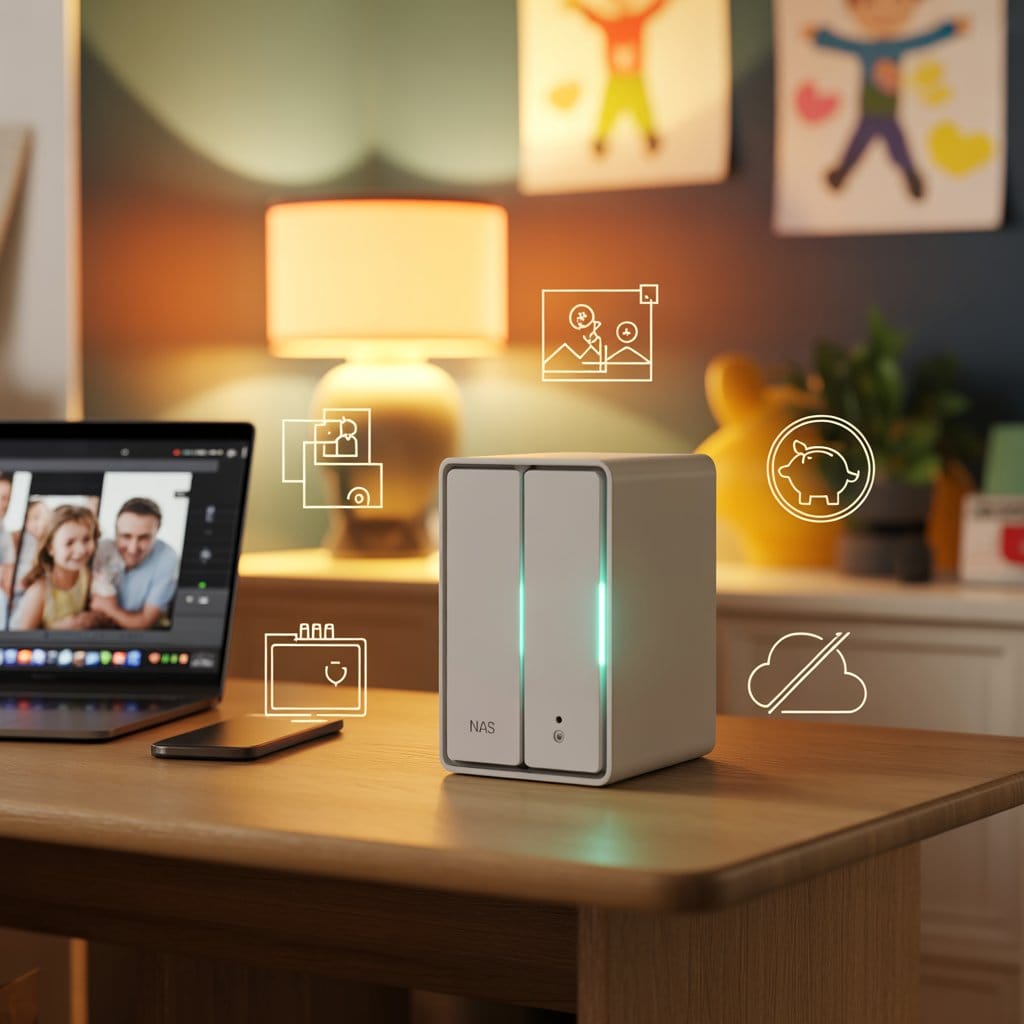
NAS (Network Attached Storage): A compact box that plugs into your home router and stores all your photos, videos, and files locally — your own private Google Photos, except the data lives in your home, not on a corporation’s servers. You access it from any phone, tablet, or laptop, anywhere in the world, for $0/month in recurring fees after the initial purchase.
🔥 Best Synology NAS Deals 2026 — This Week’s Picks
Here are the best active deals, verified this week. Because Amazon prices fluctuate daily, we link directly to live listings rather than hardcoding prices that could be stale by the time you click.
Synology DS224+ — 2-Bay NAS
Intel Celeron quad-core · Perfect for families of 2–4 · Google Photos migration ready · 4K streaming
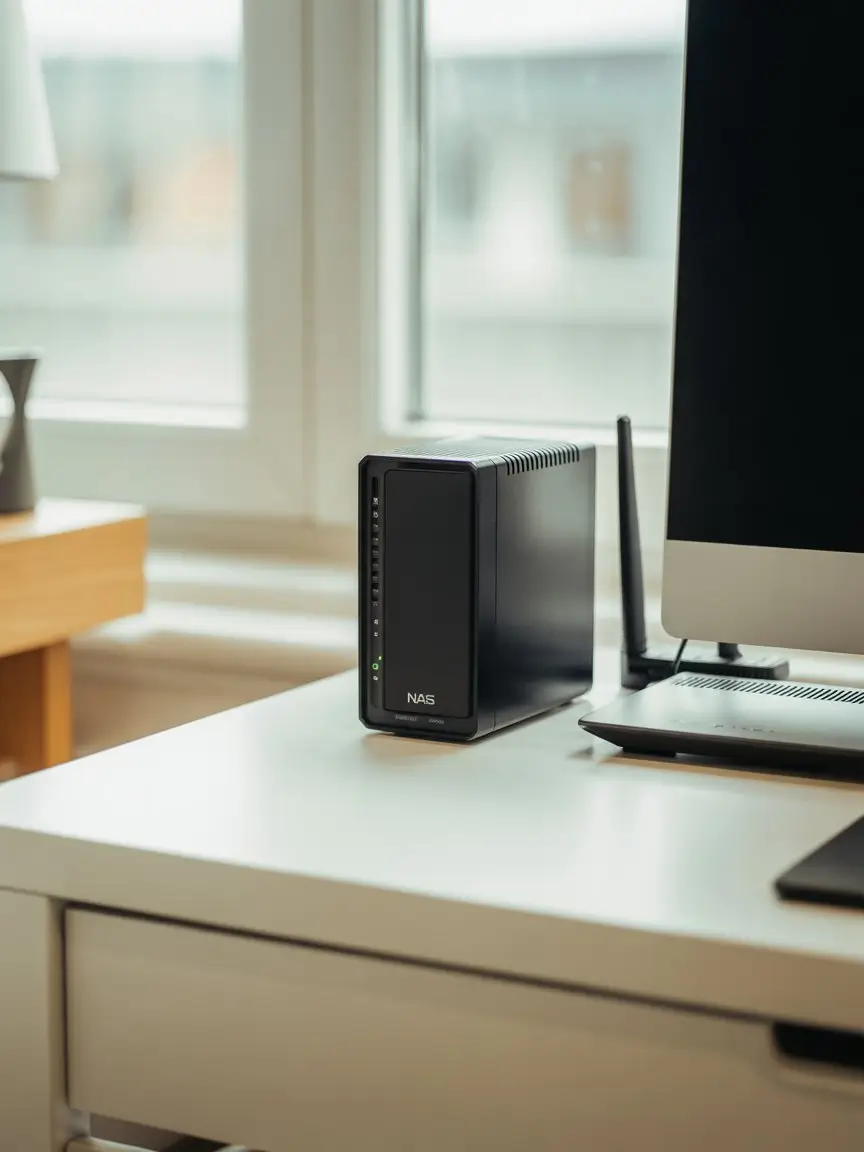
- CPUIntel Celeron J4125 · Quad-Core 2.0 GHz
- RAM2 GB DDR4 — expandable to 6 GB
- Bays2× 3.5″/2.5″ SATA — up to 36 TB total
- Network2× Gigabit Ethernet · 2× USB 3.2
- Best forBeginners, families, photo backup
- OSSynology DSM — 10+ yr support
Synology DS423+ — 4-Bay NAS
AMD Ryzen R1600 · Built for households of 5+ · 4K transcoding · Expandable to 9 drives
- CPUAMD Ryzen R1600 · Dual-Core 2.6 GHz
- RAM2 GB DDR4 — expandable to 32 GB
- Bays4× 3.5″/2.5″ SATA — up to 72 TB total
- Network2× Gigabit Ethernet · 3× USB 3.2 · eSATA
- Best forLarge families, 4K video, future growth
- ExpandableYes — via DX517 expansion unit
Synology DS923+ — 4-Bay Performance NAS
AMD Ryzen R1600 · NVMe SSD cache · Plex 4K transcoding · Docker & virtualization ready
- CPUAMD Ryzen R1600 · Dual-Core 2.6 GHz
- RAM4 GB DDR4 ECC — expandable to 32 GB
- Bays4× SATA + 2× M.2 NVMe SSD slots
- Network4× Gigabit Ethernet · Link Aggregation
- Best forPower users, Plex, Docker, business
- SSD CacheYes — M.2 NVMe for major speed boost
DSM (DiskStation Manager): The operating system that runs on every Synology NAS. It gives you a clean, browser-based dashboard — think of it as the “iOS of home servers.” You manage photos, backups, and remote access through a visual interface with no command line required. Synology provides security updates for 10+ years. Official DSM overview at Synology.com →
💾 NAS Hard Drive Deals
Every Synology NAS ships without drives — this is intentional. It lets you choose the exact capacity for your needs. Always buy CMR-certified NAS drives, not standard desktop drives or SMR variants.
CMR vs SMR drives: CMR (Conventional Magnetic Recording) drives write data reliably at full speed under sustained load — the right choice for NAS. SMR (Shingled Magnetic Recording) drives are cheaper but slow down dramatically during heavy writes, risking data integrity in RAID arrays. WD Red Plus and Seagate IronWolf are CMR. The plain “WD Red” (no Plus) may be SMR — avoid it for NAS use.
| Drive Model | Capacity | Type | Live Price | Retailer |
|---|---|---|---|---|
| WD Red Plus | 4 TB | CMR · 5400 RPM | Check price → | Amazon |
| WD Red Plus | 8 TB | CMR · 256 MB cache | Check price → | Amazon |
💡 Drive prices fluctuate frequently. Buying a matched pair at the same time (for RAID 1 mirroring) sometimes unlocks a multi-buy discount. Always verify before adding to cart.
💡 Always verify drive compatibility before buying. Synology maintains an official compatibility list for each NAS model — WD Red Plus and Seagate IronWolf are fully certified for all three models above.
🎯 Which Synology NAS Should You Choose?
Finding the best Synology NAS deals 2026 means nothing if you pick the wrong model. Here’s the fastest decision guide, built from helping thousands of US families choose their first NAS:
| Model | Best For | Drive Bays | Max RAM | NVMe Cache |
|---|---|---|---|---|
| DS224+ | Beginners · families of 2–4 · photo backup | 2 | 6 GB | No |
| DS423+ | Larger families · 4K video · future expansion | 4 | 32 GB | No |
| DS923+ | Power users · Plex 4K · Docker · business | 4 | 32 GB ECC | Yes (2× M.2) |
💡 Still not sure which model?
Our NAS for Families buying guide walks you through every decision point — from storage capacity to which apps replace Google Photos — in plain English, step by step. No tech background required.
📅 2026 NAS Deals Calendar
Based on several years of historical price data across Amazon, B&H Photo, and Newegg — here are the four seasonal buying windows:
Great stock availability
Spotty, unpredictable
48-hour flash deals
⚠️ Stock runs out fast
💡 The Black Friday Myth — Debunked
After tracking Synology prices for several years, here’s the honest conclusion: January post-holiday sales and Prime Day in July historically match Black Friday prices — and sometimes beat them — because lower buyer demand means better stock availability instead of “out of stock” banners.
Real 2025 example: The DS224+ hit the same price point in January, again in July on Prime Day, and again on Black Friday. Shoppers who waited until November paid the exact same amount — and some found their preferred config was backordered.
🔔 Free Price Alerts
Not ready to buy today? Set up a price alert and we’ll email you the moment your target model drops to your budget. One email when it matters — no newsletters, no spam.
- Choose your model — DS224+, DS423+, DS923+, or a NAS drive
- Set your target price — for example “alert me when DS224+ drops under $280”
- Get a single email the moment the price drops — nothing else, ever
📬 Set Up Your Free Price Alert
Enter your email and we’ll notify you when your target Synology model hits your price.
✓ No spam, ever · ✓ One-click unsubscribe · ✓ Your data stays private
📦 Complete Bundle Deals
Buying your NAS and drives at the same time is almost always cheaper than ordering them separately. Here are the two configurations we recommend most often:
Starter Family Bundle
The right first NAS for most US families — reliable, beginner-friendly, handles photo backup, file sharing, and remote access from day one.
- Synology DS224+ (2-bay NAS) — Check price on Amazon
- 2× WD Red Plus 4 TB — RAID 1 = 4 TB usable + automatic mirroring — Check price on Amazon
- Cat6 Ethernet cable — connect the NAS to your router reliably (avoid Wi-Fi for NAS)
- APC Surge Protector — protects your investment against power spikes
RAID 1: Mirrors your data across two drives simultaneously. If one drive fails overnight, the other keeps all your files completely safe. Replace the failed drive, and the NAS rebuilds itself automatically — no data loss, no panic. Think of it as a live safety net built into the hardware.
💡 Buying both components together often beats individual pricing — check bundle options on Amazon before adding items to cart separately.
Power User Bundle
For households that stream 4K Plex, run Docker containers, or need 20+ TB of reliable, fault-tolerant storage.
- Synology DS423+ (4-bay NAS) — Check price on Amazon
- 4× WD Red Plus 8 TB — RAID 5 = 24 TB usable + 1-drive fault tolerance — Check price on Amazon
- APC UPS 600VA Battery Backup — prevents data corruption during unexpected power cuts
- Cat6 cables + USB cooling fan — for 24/7 reliability and lower operating temperatures
RAID 5: Spreads your data across three or more drives with built-in parity — a mathematical recovery formula. If any single drive fails, your data is fully recoverable from the remaining drives. Best balance between storage efficiency and protection for serious home labs. See our RAID calculator guide for exact usable capacity numbers.
🔄 Found Your Deal? Now Migrate from Google Photos
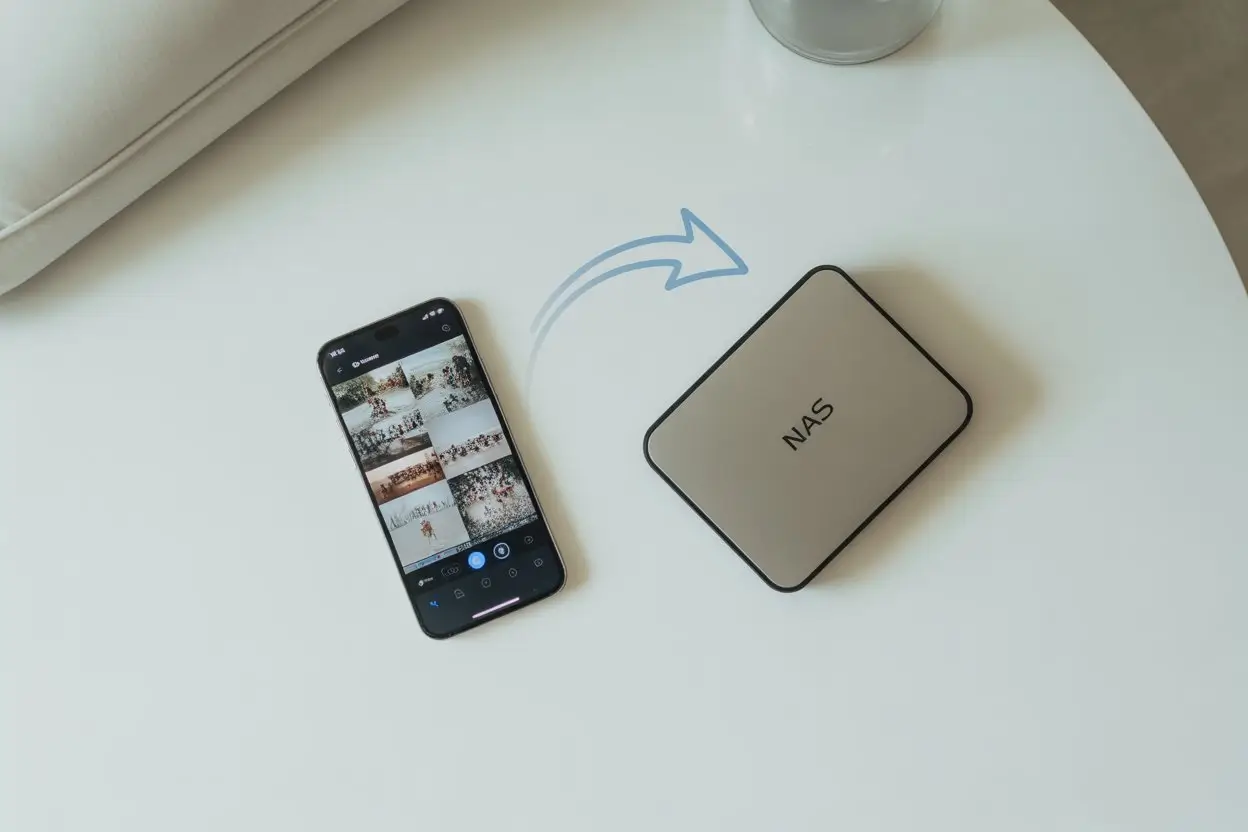
Our step-by-step migration guide walks you through transferring 10,000+ photos from Google Photos to your new Synology NAS in one weekend — without losing a single file, metadata tag, or album.
Included: Google Takeout automation · Synology Photos setup · face recognition config · mobile app pairing · 3-2-1 backup checklist
❓ Frequently Asked Questions
Based on historical patterns, prices during the post-holiday window (January–March) are already near their seasonal floor. A meaningful further drop is unlikely before Prime Day in July. If you’re ready to buy now and the price fits your budget, there’s no strong reason to wait. If not, set up a free price alert above — we’ll notify you the moment it hits your target.
Amazon offers fast Prime shipping and a frictionless return process, but can go out of stock on popular Synology models during high-demand periods. B&H Photo often has slightly better bundle pricing, charges no sales tax outside New York and New Jersey, and has excellent customer service for tech hardware. Our advice: check both before clicking “Buy” — the price gap is sometimes $30–$60 on a mid-range NAS.
Yes — all Synology NAS units ship diskless (without drives). This is intentional: it lets you choose the exact capacity and drive type that fits your needs and budget. Budget an additional $80–$100 per 4 TB CMR drive, or $150–$200 per 8 TB drive. The bundle options above include drives and are often cheaper than buying each component separately.
Yes. Every Monday morning at 9 AM EST, we manually check Amazon, B&H Photo, and Newegg for each model listed above. Because prices fluctuate daily — sometimes hourly on Amazon — we link directly to live listings rather than hardcoding prices that could be stale by the time you click. The “Verified This Week” badge on each product card confirms the listing was active and in stock at our last check.
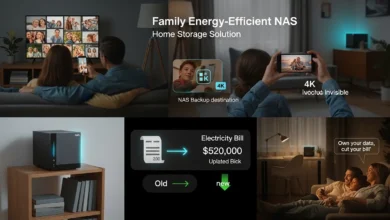
Most 2-bay Synology NAS units draw 20–35 W under load. Running 24/7, that typically costs $25–$50 per year in US electricity. Compare that to $120–$600/year in cloud subscription fees for a family of four — most households find the NAS pays for itself within the first year. See our energy-efficient NAS guide for a full cost breakdown by model with real-world numbers.
A correctly configured Synology NAS is very safe for home use. The key risks come from poor setup choices: exposing the admin panel directly to the internet, using weak passwords, or skipping DSM security updates. Synology’s built-in Security Advisor tool scores your configuration and tells you exactly what to fix. For a complete hardening checklist, read our NAS ransomware protection guide.
Synology publishes a real-time Security Advisory page listing all patched CVEs — bookmark it and check it quarterly. For a complete hardening checklist, read our NAS ransomware protection guide.
The DS224+ is consistently our top pick for first-time NAS buyers. It runs on a reliable Intel Celeron processor, handles photo backup and Plex streaming without difficulty, and Synology’s setup wizard walks you through the full configuration in about 30 minutes — no command line, no IT degree required. For a full model-by-model comparison, see our NAS for Families buying guide.
For a full model-by-model comparison and the latest best Synology NAS deals 2026, see our NAS for Families buying guide.
Security Note — Don’t Skip This: Before putting any files on your new NAS, do three things: enable two-factor authentication (2FA), set a strong unique admin password, and run DSM’s built-in Security Advisor. These steps take under 10 minutes and protect you from the most common attack vectors. Never expose ports 5000 or 5001 directly to the internet — use Synology QuickConnect or a VPN instead.
✅ Your Next Steps
You’ve seen the deals, compared the models, and understand when to buy. Here’s the shortest path from “interested” to “done”:
- Pick your model using the comparison table above — or read the buying guide for a full breakdown.
- Check today’s live price on Amazon or B&H Photo using the buttons on each product card.
- Add a drive pair at the same time — buying together is almost always cheaper than ordering separately.
- Set a price alert if the price isn’t right yet — we’ll email you the moment it hits your target.
- Bookmark the migration guide so you’re ready to move your Google Photos the weekend your NAS arrives.
What’s holding you back from making the switch — budget, setup complexity, or something else? Drop your question in the comments and we’ll point you in the right direction.