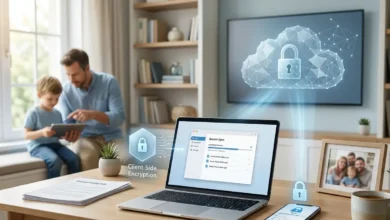

Private Cloud For Real Families

Own Your Private Family Cloud

No monthly subscriptions. No vendor lock-in. Just total control over your family's photos and files.

Average family savings $600 / year
Setup time Weekend project
Skill level Beginner‑friendly

Choose Your Path

Start where you are today. Whether you are just curious, comparing brands, or ready to migrate, pick the path that fits.

🎯

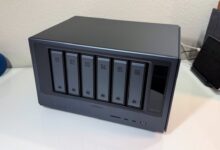
NAS Buying Guide for Families

Understand NAS basics, skip the jargon, and pick the perfect model for your home.

Start the Beginner's Guide
📊

Compare NAS Brands: Synology vs QNAP

See honest side‑by‑side comparisons: specs, pricing, and the best use cases for families.

See All Comparisons
🔄

Move Your Photos from Google to Private Cloud

Step‑by‑step migration. Keep everything, avoid data loss, and stay private at home.

Start the Migration

Why Families Are Leaving Big Tech Clouds

Cloud storage started simple and cheap. Now it is full of rising fees, confusing plans, and vague privacy policies.

❌ The Problem with Big Cloud

  • Rising monthly cloud storage fees every year.
  • Unclear privacy policies and data use.
  • Storage limits that force constant upgrades.
  • Vendor lock‑in that makes it hard to leave.
  • Your family's data stored on third‑party servers.

✅ The Home NAS Solution

  • One‑time hardware cost that you fully own.
  • Full control over where your data lives.
  • Expandable storage as your family grows.
  • True portability if you ever switch devices.
  • Your photos and files stay at home, with you.

Frequently Asked Questions

Modern private cloud storage systems are designed to be beginner‑friendly. Most families can complete the full setup in under 2 hours with a clear step‑by‑step guide.

If you can plug in a Wi‑Fi router and follow on‑screen instructions, you can setup a home NAS without hiring an IT expert.

Read the step‑by‑step setup guide →

Yes, most private cloud storage solutions support secure remote access so you can reach your photos and documents from anywhere with an internet connection.

You can use official mobile and desktop apps to connect to your NAS securely, similar to how you use Google Drive or iCloud today.

See remote access options →

When configured correctly, private cloud storage is very secure because your data stays on hardware you control, with your own passwords, users, and access rules.

You can enable encryption, create separate family accounts, and limit remote access to reduce risk while keeping everything easy to use day‑to‑day.

Read the security checklist →

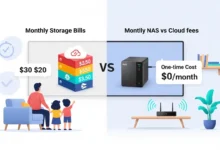
Families switching to private cloud storage typically save between $500 and $1,200 over a few years compared to stacking multiple cloud subscriptions.

A one‑time NAS purchase often replaces several paid plans across Google Drive, iCloud, and OneDrive while adding more space and control.

Use the savings calculator →

Synology focuses on the most polished, beginner‑friendly software, QNAP offers more power‑user features, and DIY NAS is the most flexible but requires more technical setup.

For most families, a Synology or QNAP box is the sweet spot between ease of use, reliability, and long‑term support without needing to build a server from scratch.

See the full brand comparison →

NAS vs Cloud: Which Fits Your Family?

See how a home NAS stacks up against Google Drive, iCloud, and OneDrive for long‑term cost, privacy, and control.

Key factor Home NAS Big Cloud (Google, Apple, Microsoft)
Monthly cost (2-4 TB) One-time hardware, no monthly storage fees Recurring subscription forever
Long-term savings (5+ years) Often saves $500-$1,200+ over time Costs keep increasing with more TB and users
Privacy & data control Data stays at home on your own hardware Data stored on third-party servers
Access from anywhere Yes, with remote access apps or VPN Yes, built-in on all devices
Photo & video backup Automatic backup from phones, PCs, and Macs Automatic backup via official apps
Storage expansion Add bigger drives as your library grows Must upgrade to more expensive plans
Technical setup One-time weekend project (guided) Simple account sign-up, no hardware

Latest Blog Articles

Blog

How to Secure Your Family NAS Against Ransomware in the USA: A Practical Guide for Non-Tech Parents

Protect your family NAS from ransomware with our 2026 guide. Step-by-step security layers, immutable snapshots, and recovery plan to save your photos.

Jan 8, 2026 20 min read
Blog

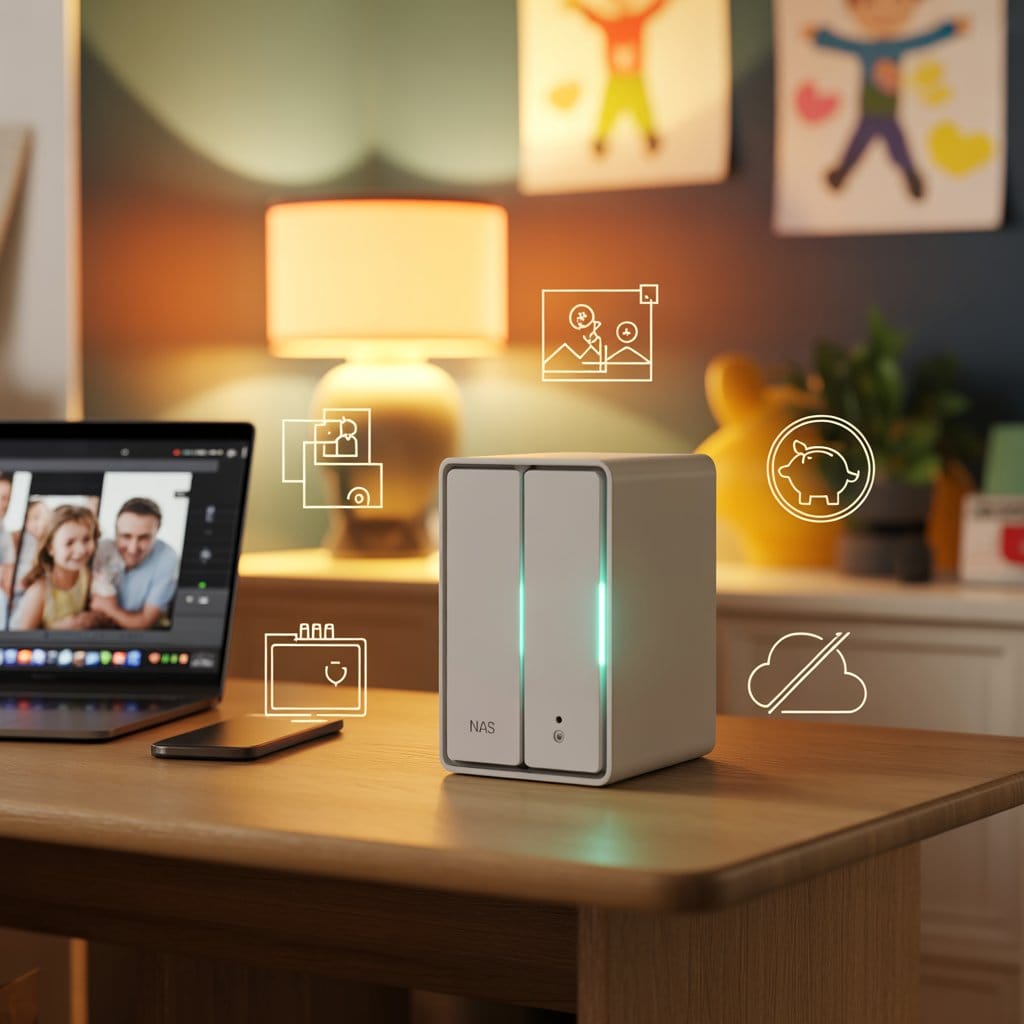
Best NAS for Families Under $500: Complete 2026 Guide

The Ultimate DIY Family NAS Guide (2026): Your Easy, Step-by-Step Setup for US Homes The Ultimate DIY Family NAS Guide (2026): Your Easy, Step-by-Step Setup…

Jan 7, 2026 16 min read
Blog

Best Synology NAS Deals 2026: Live Price Tracker

Synology NAS Deals 2026: Live Price Tracker & Buyer’s Guide Synology NAS Deals 2026: Live Price Tracker & Buyer’s Guide 📊 About This Price Tracker…

Jan 7, 2026 8 min read

NAS Devices Comparison 2025

Find the perfect NAS for your needs — detailed specs, real‑world performance, and honest affiliate recommendations.

Device Price Bays CPU RAM Best for Why we picked it Review Buy
No devices found

Want detailed specs, benchmarks, and setup guides for each device?

See Full Comparison & Reviews

We may earn a commission if you buy through our links. It doesn't change your price, and we only recommend devices we would use ourselves.