
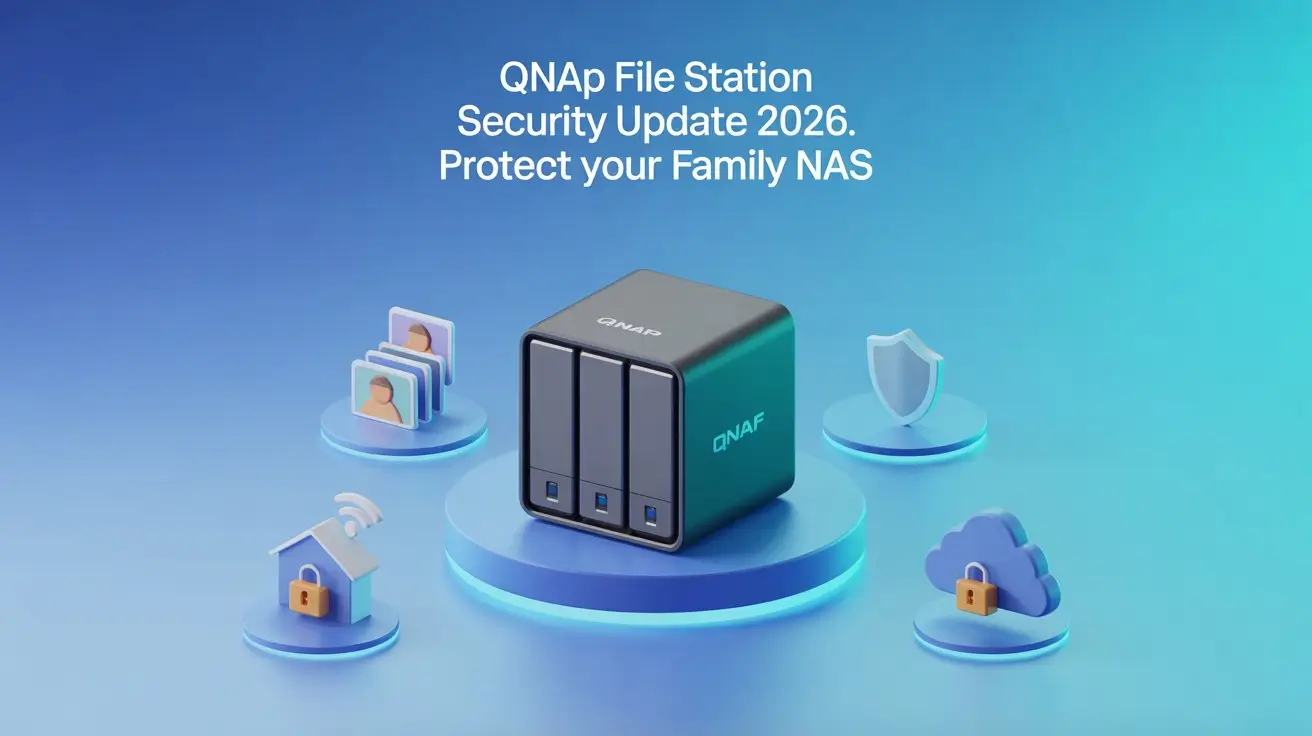
QNAP File Station Security Update 2026: What to Do Right Now
A quick two-minute update in App Center keeps your family files safe.
— Security Alert
This QNAP File Station security update fixes a set of security flaws in the File Station 5 app — the browser-based file manager built into most QNAP NAS devices (NAS stands for Network Attached Storage, a small box that stores your files at home instead of in the cloud) — that could let a logged-in user quietly read files outside their own folders. Applying the QNAP File Station security update through App Center closes these holes for good.
What This QNAP File Station Security Update Fixes
QNAP published security advisory QSA-26-03 on February 12, 2026, disclosing three “path-traversal” security flaws — bugs that let a user hop outside the folder they are supposed to see and quietly read files stored elsewhere on the device (CVE-2025-62853, CVE-2025-66278, and CVE-2026-22894). You can also see these security flaws listed on the official CVE databases such as the National Vulnerability Database (NVD). A fourth issue involves resource exhaustion, meaning a bad actor could send repeated requests to temporarily disrupt access to files on the NAS. The flaws carry a low severity rating: CVE-2025-66278, for example, scores 1.3 out of 10, because exploiting it requires a valid, already-authenticated user account on your device. No active exploitation of these flaws has been reported.
For more technical details, you can review the NVD entry for one of the QNAP File Station security flaws .
What This Means for Your Family NAS
For most families, the practical risk here is small. An attacker would first need a working login on your NAS before they could do anything — so a stranger on the internet cannot just walk in. That said, households that share a NAS among several users, or that have left remote access open without a VPN, have a slightly wider window if any one account is ever compromised. The good news: updating eliminates the risk entirely, and since the fix is free and takes less than two minutes, there is no reason to wait. If you are still deciding which NAS fits your household best, our NAS for families buying guide walks through beginner-friendly options in plain English.
What to Do Right Now
How Path-Traversal Bugs Work — and Why They Matter for Home NAS Users
📖 Jargon Box: Path traversal = a bug that lets a logged-in user “escape” their assigned folder and quietly read files stored in other parts of the device — like finding a door in your hotel room that opens directly into the neighboring room.
Think of your NAS as an apartment building. Each user has their own unit (folder), and the building manager (File Station) controls who goes where. A path-traversal flaw is like a faulty master key that lets a tenant on floor 2 access floor 5 without the building manager noticing. The three CVEs in QSA-26-03 are exactly that type of flaw.
The good news: these flaws require a valid login. A random attacker on the internet cannot exploit them without first having an active account on your specific NAS. That is a meaningful barrier — but it is not zero risk, especially in households where multiple people (kids, visiting relatives, a home-office colleague) share access.
Who Is Most at Risk From This QNAP File Station Security Update?
If you are the sole user of your NAS and it is not exposed to the internet, your risk from this QNAP File Station security update is very low.
- Share the NAS with multiple user accounts (family members, roommates, employees).
- Have port-forwarding or remote access enabled without a VPN.
- Have not changed default admin credentials since setup.
None of this means you are in immediate danger — QNAP has confirmed no active exploitation. But updating takes less time than reading this sentence twice, so there is no reason to delay.
⚠️ Security Note: If you use remote access, the safest setup is to route it through a VPN rather than exposing File Station directly to the internet. Our NAS security checklist for families walks through VPN setup and other hardening steps in plain English.
What Happens If You Don’t Update?
Without the QNAP File Station security update, your NAS continues to work normally — these flaws do not cause crashes or data loss on their own. The risk is limited to a scenario where a logged-in user (or a compromised account) quietly reads files outside their assigned folder. In a single-user home NAS, that is unlikely to matter. In a multi-user setup, or if your remote access credentials are ever leaked, that window stays open until you update.
QNAP’s own severity rating (as low as 1.3/10 for CVE-2025-66278) reflects this limited scope. Still, patching a known vulnerability is always the right call — and the update is free and fast.
Checking and Strengthening Your QNAP NAS Security Beyond This Patch
A security update is a great prompt to do a quick 10-minute review of your NAS settings. Here is a fast checklist:
- Change the default admin username. “Admin” is the first account attackers try.
- Enable two-factor authentication (2FA) — available in QNAP’s Security Counselor app.
- Review active user accounts and remove any that are no longer needed.
- Disable services you don’t use (FTP, Telnet, SSH if not needed).
- Check whether your NAS is directly exposed to the internet via your router’s port-forwarding settings.
For a more complete walkthrough, our NAS ransomware protection checklist covers every one of these steps with screenshots and plain-English explanations.
- Log in to your QNAP NAS web interface and open App Center.
- Find File Station 5 in the installed apps list and click Update — you need version 5.5.6.5190 or later.
- If prompted, restart the app (or the NAS) to finish applying the update.
- While you are there, check for any other pending app or system-software updates and install those too.
Want to Go Deeper?
If this alert made you think about broader NAS security — hardening user accounts, disabling unused services, or locking down remote access — our NAS ransomware protection checklist walks through every step in plain English. And if protecting your family photos and documents over the long term is top of mind, our photo backup encryption guide explains how to keep those memories private and safe. For a broader view of how path-traversal vulnerabilities are classified, the OWASP Path Traversal reference explains the attack type clearly in plain language.
Frequently Asked Questions
If File Station 5 is installed on your QNAP NAS — even if you rarely use it — it is still worth updating. Unused apps can still be targeted if they are running in the background.
Open App Center on your QNAP NAS, find File Station 5, and check the version number shown below the app name. If it reads anything lower than 5.5.6.5190, tap Update immediately.
QNAP has not reported any active attacks using these flaws, and exploiting them requires an existing login on your device. Unless you have shared your NAS password with someone you do not trust, it is very unlikely your files were affected. Updating now keeps it that way.
The QNAP File Station security update applies specifically to the File Station 5 app. If your QNAP NAS is running File Station 5 (most models released after 2020 use it by default), you are affected. Check your App Center for the installed version number. Older NAS models running File Station 4 or earlier are not impacted by QSA-26-03.
Yes — if you have remote access set up, you can log in to your QNAP web interface from anywhere and update File Station 5 via App Center. Just make sure your remote access is routed through a VPN or myQNAPcloud for safety.
All software has vulnerabilities from time to time — what matters is how quickly they are patched and how you respond. QNAP publishes a public security advisory page and releases fixes promptly. Enabling automatic updates in App Center ensures you catch future patches without having to check manually.