
Last Updated: March 2026 · HomeCloudHQ — Hands-On Review
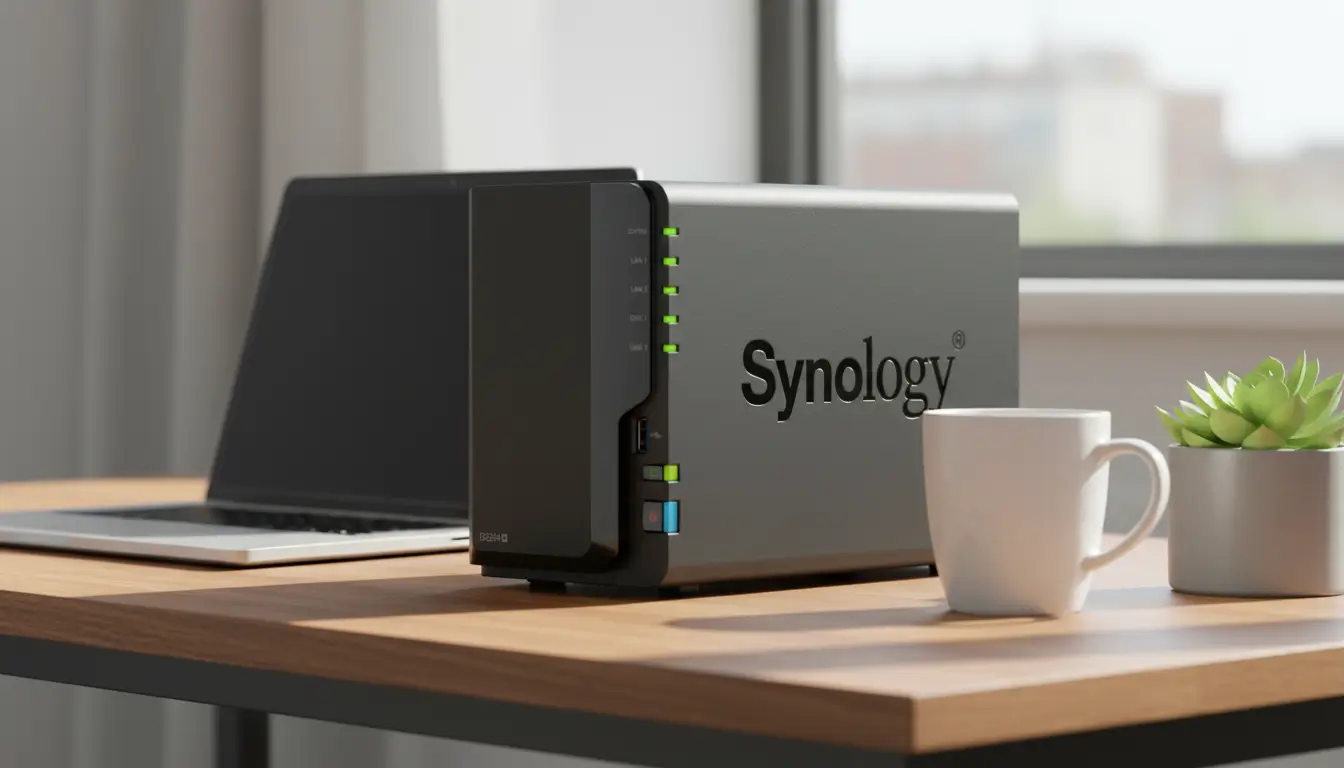
⚡ TL;DR — Synology DS224+ Review 2026
- Our Synology DS224+ review 2026 verdict: best 2-bay NAS for families replacing Google Photos — clean software, easy setup, rock-solid reliability.
- Tested on Intel J4125 · 2GB DDR4 · DSM 7.2 · Synology Photos included free.
- Price range: $299–$420 depending on bundle. Best value: the 8TB bundle with 2× WD Red Plus drives.
- Best for first-time NAS buyers. Not ideal if you need 4 bays, 2.5GbE, or heavy Plex 4K transcoding.
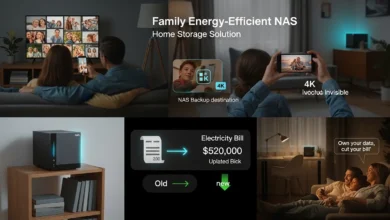
This Synology DS224+ review starts with a simple truth: every year, thousands of families get the email from Google — “Your storage is full. Upgrade to Google One.” It starts at a few dollars a month, but across 10 years and a family of four, it adds up fast — and you never actually own your data. The DS224+ is the device most of those families end up buying when they finally decide to take back control.
I’ve been running the DS224+ in my home office for several months, using it as a Google Photos replacement, a Plex server, and an automated backup hub for two laptops and three phones. What follows is the honest, family-focused DS224+ review you need before spending $300+: real performance, honest weaknesses, and a direct comparison against the QNAP TS-264.
Synology DS224+ — Quick Specs at a Glance
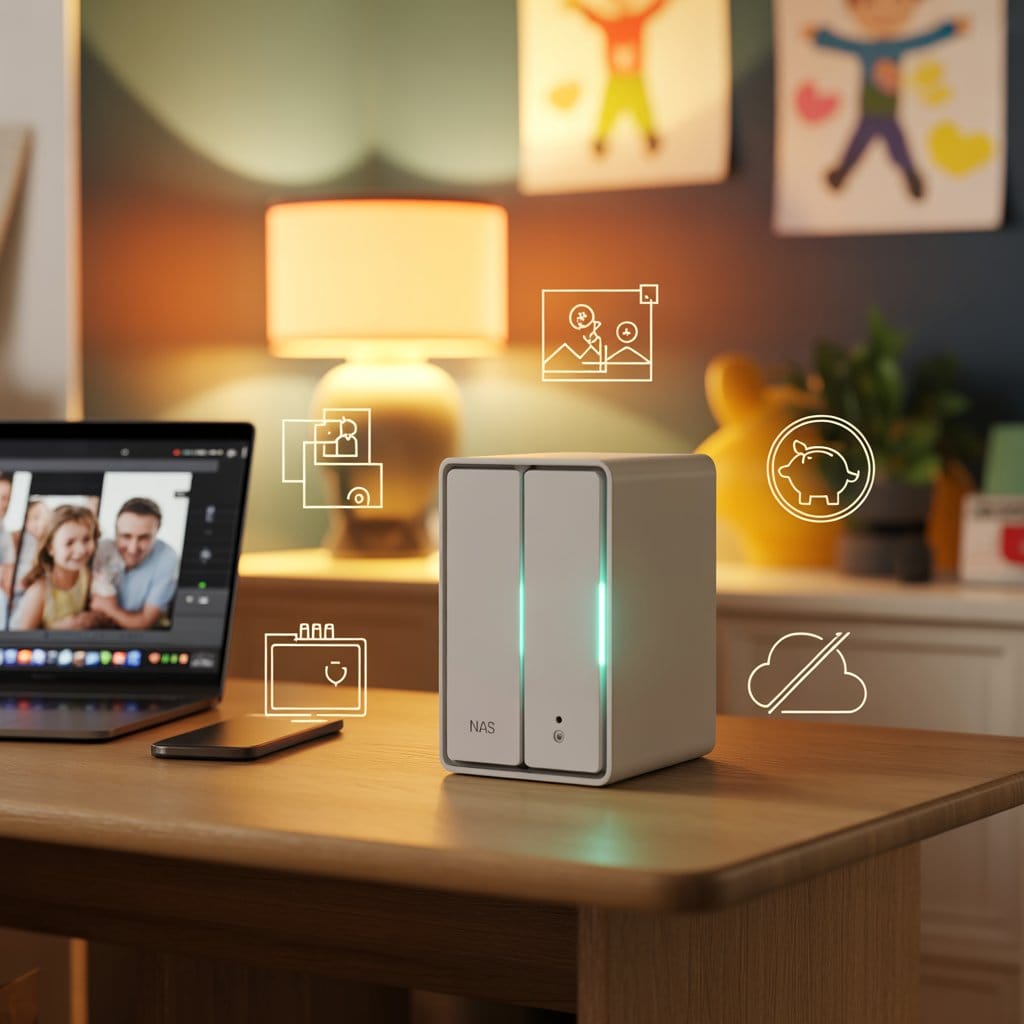
Before getting into real-world performance in this Synology DS224+ review, here’s the hardware you’re working with — and why these specs matter for a family NAS in 2026. The DS224+ is a 2-bay desktop NAS compact enough to sit on a bookshelf, quiet enough to forget it’s running.
| Spec | Detail |
|---|---|
| CPU | Intel Celeron J4125 (4-core, 2.0 GHz, burst to 2.7 GHz) |
| RAM | 2GB DDR4 non-ECC (1× SO-DIMM slot, expandable to 6GB) |
| Drive Bays | 2 × 3.5″/2.5″ SATA (HDD/SSD) |
| Network | 1× Gigabit LAN (RJ-45) |
| USB Ports | 2× USB 3.2 Gen 1 |
| Operating System | Synology DSM 7.2 |
| Max Storage Capacity | Up to 36TB raw (2× 18TB) |
| Power Consumption (Idle) | ~15W |
| Noise Level | ~19dB(A) at idle |
| Price (diskless) | ~$299–$320 |
| Price (8TB bundle) | ~$380–$420 |
📋 Official Resources
- Synology DS224+ official product page — full specs and DSM feature list.
- Synology compatibility checker — verify any drive before buying.
- Backblaze B2 Cloud Storage — the most cost-effective offsite backup destination for Hyper Backup.
💡 Diskless or bundle? If you’re new to NAS, the 8TB bundle with drives pre-installed removes all drive-compatibility guesswork. If you prefer to source drives separately, WD Red Plus 4TB drives are on Synology’s official compatibility list.
What’s in the Box & First Setup
The box is minimal in the best possible way. You get the NAS unit itself, a power adapter and cable, one Ethernet cable, a bag of drive screws, and a two-page quick-install guide. Synology doesn’t include drives in the diskless version — that’s standard across the industry.
Physical setup takes under 5 minutes: slide in the drive trays (tool-free), connect Ethernet and power, and the unit boots in about 90 seconds. Navigate to find.synology.com on any browser, and the web wizard walks you through everything: storage pool creation, admin account setup, and enabling Synology Photos. The entire process from box to first photo backup took me about 22 minutes — including reading the prompts.
🔐 Security Tip — Do This Before Anything Else
Before completing setup, create a strong, unique admin password — and store it in a password manager. Your NAS admin account is the most sensitive credential in your home network. We use and recommend NordPass — free for one user, with a family plan at $2.79/month for up to 6 users.

📖 Jargon Box: Storage Pool & Volume
During setup, Synology asks you to create a “Storage Pool” then a “Volume.” Think of the Storage Pool as a container grouping your physical drives, and the Volume as the usable space carved from that pool. For a 2-drive setup, choose RAID 1 — both drives hold identical data, so if one fails, you lose nothing.
Key Strengths of the Synology DS224+
Here’s what makes the DS224+ stand out in our testing — and why this Synology DS224+ review consistently recommends it as the best beginner NAS for families in 2026.
Synology Photos — The Google Photos Replacement That Actually Works
This is the single biggest reason families buy the DS224+. Synology Photos is a free app included with DSM 7.2 — it organizes your photo library by date, face recognition, and album, with an interface that will feel immediately familiar to anyone who’s used Google Photos. Mobile apps for iOS and Android auto-upload photos in the background, just like Google’s app.
The critical difference: your photos live on hardware you own, in your home, not on a company’s server. No monthly fee, no storage limit beyond your physical drives. For a full migration walkthrough, our Google Photos to NAS migration guide covers every step.
Hyper Backup — Off-Site Safety Without the Complexity
A NAS with no backup is just an expensive single point of failure. Hyper Backup, built into DSM, lets you schedule automated backups to a second destination — an external USB drive, another NAS, or Backblaze B2 Cloud Storage (a fraction of the cost of AWS S3). Set it once and sleep knowing your data has a second copy offsite.
DSM 7.2 — The Interface That Won’t Intimidate Your Partner
DSM is genuinely the best NAS operating system for non-technical users. It looks and behaves like a simple desktop OS — drag and drop files, open apps from a home screen, adjust settings in a familiar panel. I’ve watched people with zero NAS experience figure out shared family folders within 10 minutes of first login. That experience is what you’re partly paying for with Synology.
Docker Support for the Curious
The J4125 handles Docker containers well. I run Pi-hole and Home Assistant on the same box as Synology Photos without noticeable slowdown. If you hit issues, our Synology NAS troubleshooting guide covers the most common first-time problems.
Energy Efficiency at ~15W Idle
An always-on NAS drawing ~15W costs roughly $15–$20 per year in electricity at US average rates. That’s cheaper than two months of Google One storage — making it a practical, low-cost always-on appliance for any family home.
Honest Weaknesses of the DS224+
No Synology DS224+ review is complete without covering the real trade-offs. Here’s what I’d tell a friend before they buy:
- Only 2 bays — limited expansion. Once both drives are full, you upgrade by swapping to larger ones — temporarily removing RAID protection. If you’re storing 4K video libraries long-term, start with a 4-bay model like the DS423+.
- RAM is not easily upgradable. The second RAM slot requires opening the unit and may affect warranty. 2GB is enough for Synology Photos and standard file sharing — but heavy Docker users will appreciate the QNAP TS-264’s 8GB.
- No 2.5GbE. The single Gigabit port limits LAN speeds to ~112 MB/s theoretical max. Fine for a family NAS — but noticeable if you move large video files between a workstation and NAS daily.
- Pricier than equivalent QNAP hardware. You’re paying a software premium for DSM. If raw specs-per-dollar matter more than ecosystem polish, QNAP offers more hardware for the same money.
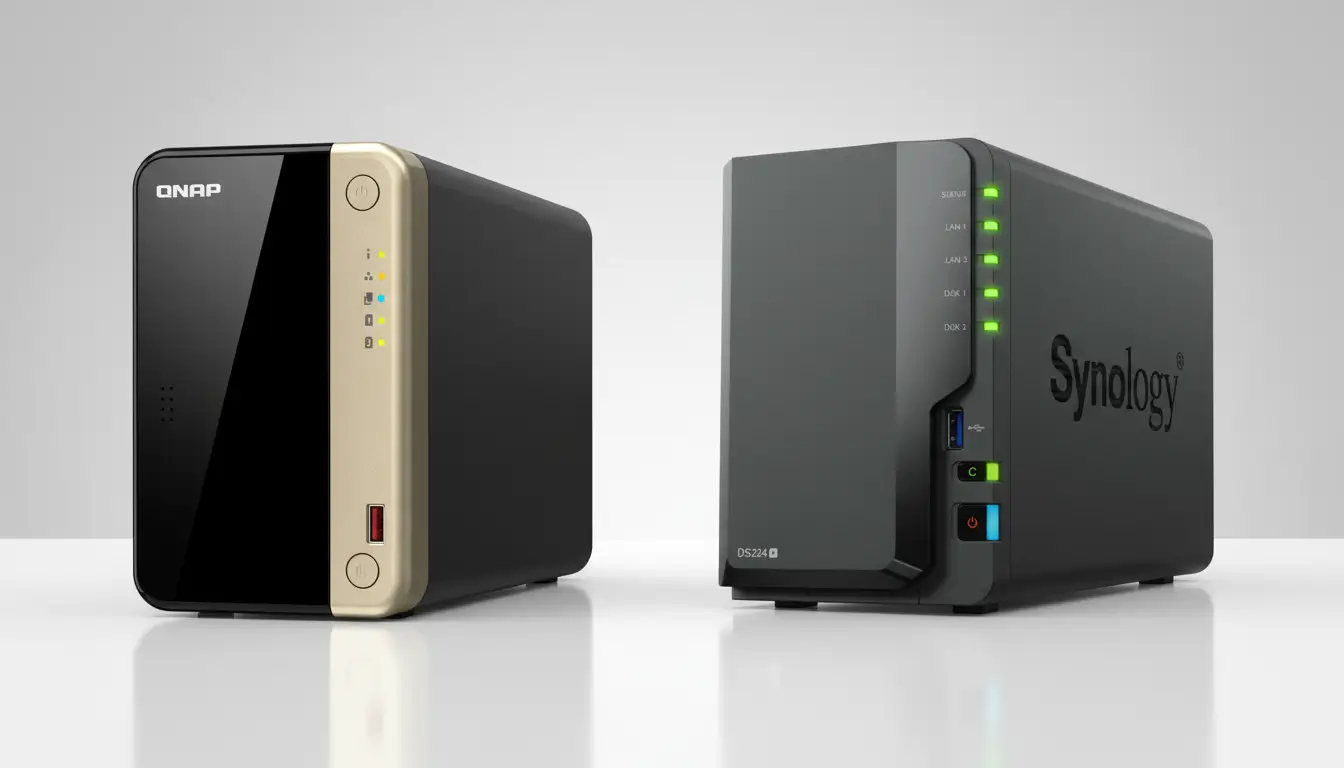
DS224+ vs QNAP TS-264 — Which Should You Buy?
These two devices share the same 2-bay form factor and a similar price point — but not the same CPU. The QNAP TS-264 uses the newer Intel Celeron N5105 (Jasper Lake), which delivers better integrated graphics and slightly stronger hardware video transcoding than the DS224+’s J4125 (Gemini Lake). For Plex users, this difference is real. For everyone else, DSM vs QTS is a bigger daily factor than CPU generation.
| Feature | Synology DS224+ Our Pick | QNAP TS-264 |
|---|---|---|
| CPU | Intel Celeron J4125 (Gemini Lake) | Intel Celeron N5105 (Jasper Lake) Faster GPU |
| RAM | 2GB DDR4 | 8GB DDR4 |
| Drive Bays | 2 | 2 |
| Network | 1GbE | 2.5GbE |
| Operating System | DSM 7.2 | QTS 5 |
| Beginner-friendly | ⭐⭐⭐⭐⭐ | ⭐⭐⭐⭐ |
| Price (diskless) | ~$300 | ~$320 |
| Best for | Families, beginners | Power users, faster LAN, Plex 4K |
🧭 Quick Decision Guide
- Choose DS224+ if: You want the easiest possible setup, you’re migrating from Google Photos, you value long-term DSM support, or this is your first NAS.
- Choose QNAP TS-264 if: You need 8GB RAM for Docker, move large files daily over 2.5GbE, or do frequent 4K Plex transcoding.
Is the Synology DS224+ Right for Your Family?
The bottom line of this DS224+ review: after several months of daily use, the DS224+ is the best first NAS for most families in 2026. Not because it wins on specs, but because it wins on the experience that actually matters — the one where your non-technical partner can upload photos from their phone without calling you for help.
- Are buying your first NAS
- Want to replace Google Photos or Dropbox
- Have a mixed iPhone/Android/Windows household
- Value software quality and long update lifecycle
- Want easy setup with minimal IT knowledge
- Need more than 2 bays now → DS423+
- Do heavy Plex 4K transcoding → DS923+
- Have 2.5GbE switches and move large files daily → QNAP TS-264
- Need 8GB RAM for Docker from day one → QNAP TS-264
- Want the best budget NAS → see our picks under $500
📚 Not sure which Synology fits your setup? Our best NAS for home use guide 2026 covers every model by use case and budget. Or browse all our NAS hands-on reviews for deeper per-model analysis.
Where to Buy the Synology DS224+
The DS224+ is available through Amazon, B&H Photo, and directly through Synology’s official website. The 8TB bundle (DS224+ plus 2× WD Red Plus 4TB drives) is consistently the best value for a first-time buyer — drive compatibility is pre-confirmed, and you’re ready to set up the same day it arrives.
Ready to buy? The 8TB bundle comes with drives pre-installed — no compatibility research needed.
Check Current Price — DS224+ 8TB Bundle →Prefer to source drives separately? WD Red Plus 4TB — fully Synology-compatible
Get Our Free NAS Setup Checklist
First NAS? Download our free 10-step setup checklist — covers DSM configuration, RAID choice, remote access, and backup strategy.
🔒 No spam. Unsubscribe in one click.
Frequently Asked Questions
Is the Synology DS224+ good for beginners?
Yes — every honest Synology DS224+ review for beginners reaches the same conclusion: DSM 7.2 is the most approachable NAS operating system in 2026. The setup wizard handles every step and Synology Photos is pre-installed for immediate family photo backup. If you run into issues, our Synology NAS troubleshooting guide covers the most common first-setup problems.
How many drives do I need for the DS224+?
The DS224+ has 2 drive bays. For a family NAS, use both bays in RAID 1 — if one drive fails, you lose nothing. The 8TB bundle with 2× 4TB WD Red Plus drives gives 4TB usable space with full redundancy — the right balance of capacity and safety for most households. Check drive compatibility at the official Synology compatibility checker if buying separately.
Can the DS224+ replace Google Photos?
Yes — and this is what it does best. Synology Photos (free with DSM) replicates the core Google Photos experience: automatic mobile uploads, face recognition, timeline view, shared family albums, and apps for iOS and Android. No monthly fee, no storage cap beyond your drives. See our Google Photos to NAS migration guide for a step-by-step walkthrough.
Is the DS224+ good for Plex?
The DS224+ handles Plex direct play well. For 4K transcoding — converting video in real-time — the J4125 can struggle. The QNAP TS-264’s newer N5105 handles hardware-accelerated transcoding more efficiently. For 1080p and small households, the DS224+ is adequate.
What’s the difference between the DS224+ and DS223?
The DS224+ uses an Intel Celeron J4125 with hardware transcoding support; the DS223 uses a lower-powered Realtek ARM CPU. The DS224+ handles Docker, virtual machines, and media transcoding significantly better. For a family NAS in 2026, the DS224+ is worth the price difference if you plan to do anything beyond basic file storage.
Is the Synology DS224+ worth it in 2026?
Yes — and it’s the conclusion every thorough Synology DS224+ review 2026 reaches for family buyers. You pay a software premium over QNAP, but DSM 7.2, Synology Photos, and Hyper Backup together deliver a best-in-class beginner NAS experience. The hardware limitations (2 bays, 1GbE, 2GB RAM) are real but manageable for typical family storage needs.
Verdict — Is the Synology DS224+ Worth It in 2026?
“Our Synology DS224+ review 2026 verdict in one sentence: whether you’re migrating 10,000 family photos from Google Photos, setting up your first automated backup, or simply tired of paying a monthly fee for storage you’ll never truly own — the DS224+ handles all three scenarios cleanly. It’s not the fastest 2-bay NAS on paper. It’s the one your whole family will actually use.”
🏆 Our Verdict — Synology DS224+ Review 2026
Best 2-bay NAS for families, beginners, and Google Photos refugees in 2026.
Intel J4125 · Synology Photos · DSM 7.2 · ~15W idle · $299–$420
Get the DS224+ 8TB Bundle on Amazon →Affiliate disclosure: HomeCloudHQ earns a small commission if you buy through our links, at no extra cost to you.
Synology DS224+ Review Verdict
Software & Ease of Use (DSM 7.2) - 9.5
Family Features (Synology Photos) - 9.5
Hardware Performance - 8
Value for Money - 8.5
8.9
Our Rating
The Synology DS224+ is our top recommended 2-bay NAS for families and first-time buyers in 2026. While power users might prefer the QNAP TS-264 for its 2.5GbE networking, the DS224+ wins on software. DSM 7.2 is incredibly user-friendly, and the included Synology Photos app is the best Google Photos replacement available today.